Poly Terminal vs Polymarket Default UI: Feature-by-Feature Comparison
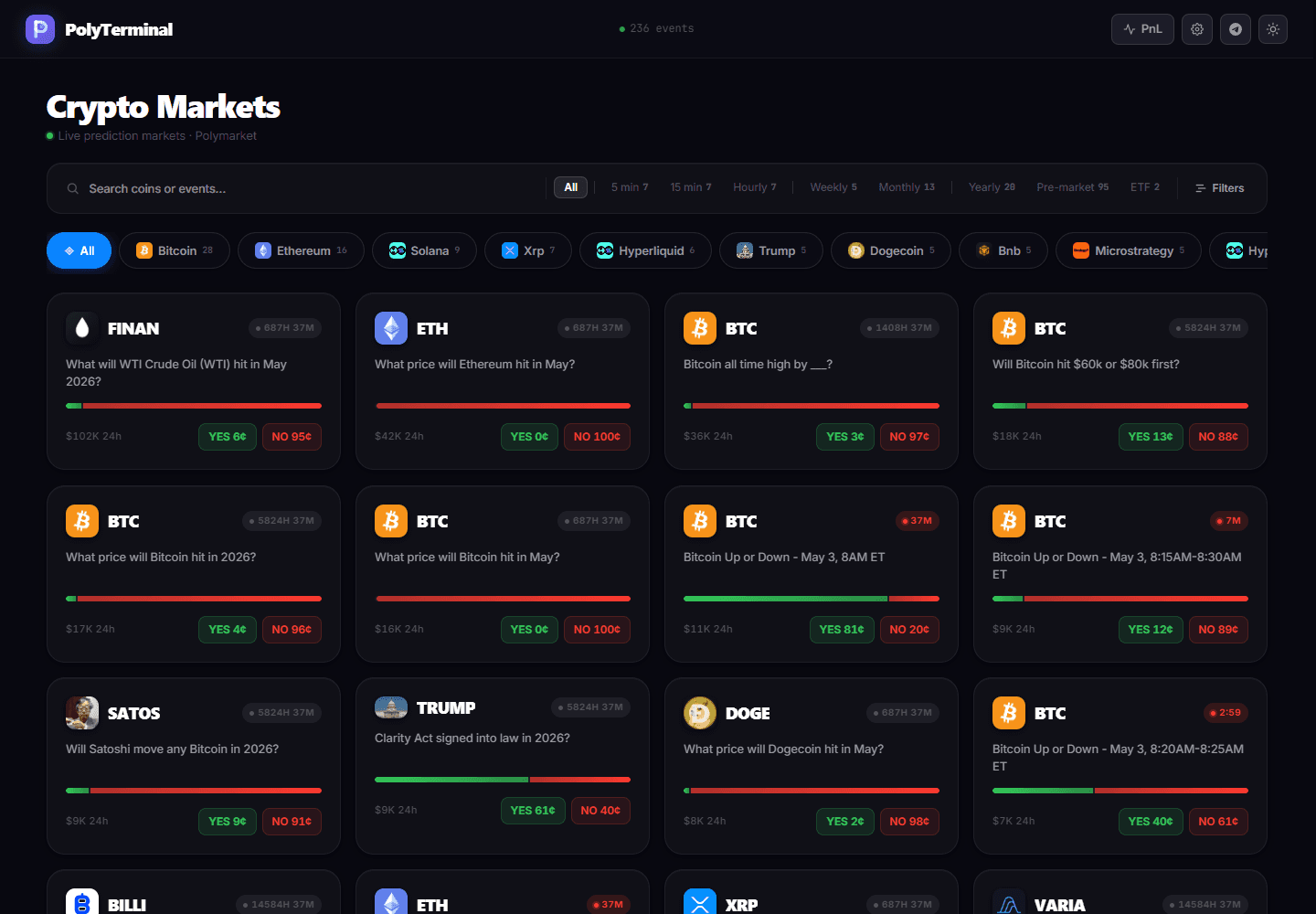
Poly Terminal vs Polymarket Default UI
This is not a marketing comparison. It is a functional breakdown of what each interface provides for active traders.
Order placement
Polymarket default: 7+ clicks. Navigate to market, scroll to order form, select outcome, enter amount, confirm, wait for processing, verify.
Poly Terminal: 2 clicks. Click market in watchlist, confirm order in panel.
Market monitoring
Polymarket default: One market at a time. No consolidated multi-market view.
Poly Terminal: Up to 20+ markets in a single workspace view with live odds, volume, and price change.
Position tracking
Polymarket default: Navigate to portfolio page. No live P&L. No aggregate exposure view.
Poly Terminal: Always-visible sidebar showing all open positions, live P&L, and aggregate exposure.
Performance under load
Polymarket default: Interface slows significantly during high-traffic events — exactly when you need speed most.
Poly Terminal: Optimized for high-traffic events. Designed to stay fast when markets are moving fastest.
Want to trade faster on Polymarket?
Poly Terminal is a professional trading terminal built for active traders. 2-click execution, multi-market workspace, live P&L.